How to make a Roblox thumbnail with AI
Updated 2026-11-29
You do not need Blender, Photoshop or a GFX artist to make a good Roblox thumbnail. With Devmax it takes about a minute.
Step 1: Type your game name and what players do
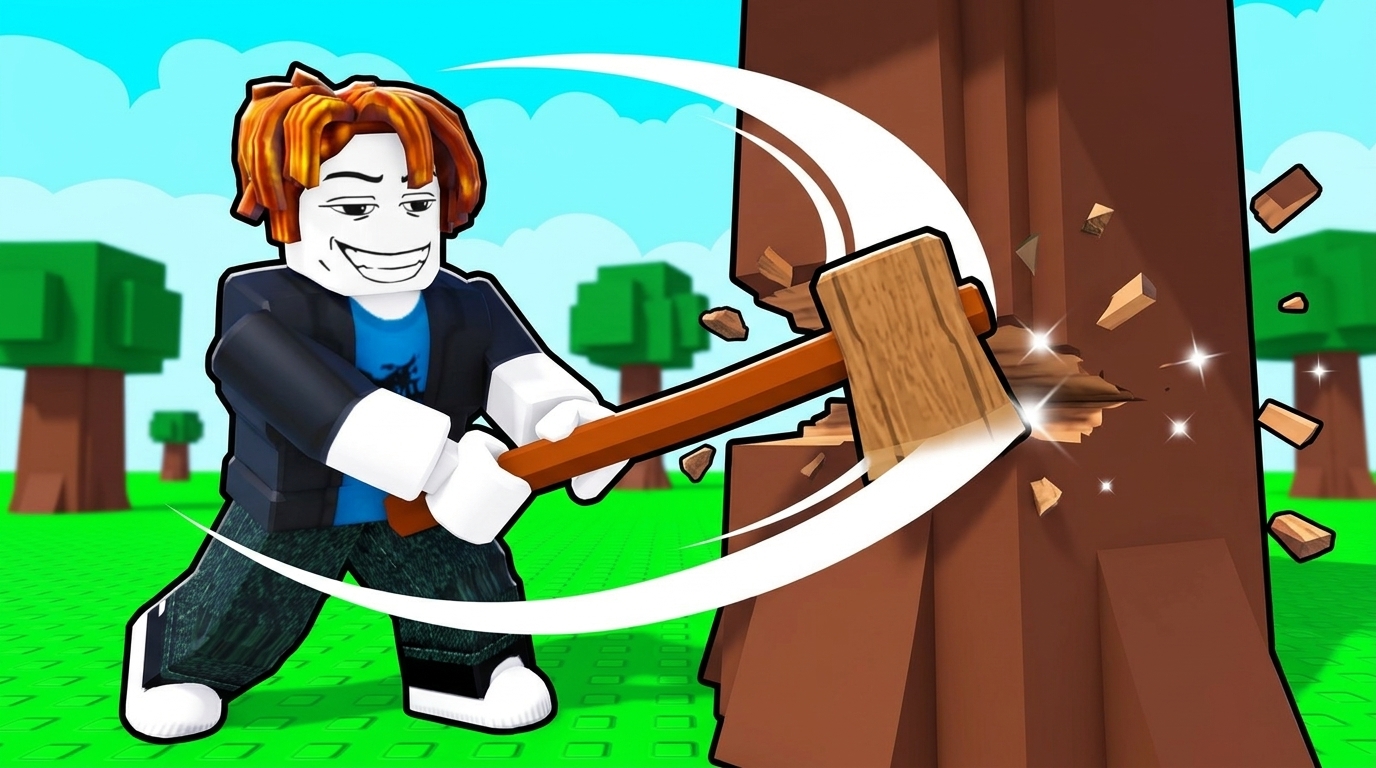
Open Devmax and write one sentence, for example: "Chop Trees: chop trees with an axe to get rich". That is enough. Devmax plans the camera, the pose, the place and the title for you.
Step 2: Add your own game (optional)
Attach a screenshot of your map, your character or an old thumbnail. Devmax uses what is in it, so the thumbnail matches your game, while keeping the clean Roblox GFX look.
Step 3: Edit by typing
Press Edit on the picture and type what to change, like "make him hold a golden axe". Only that part changes.
Step 4: Add a title
Devmax can add the title for you, or you can place titles, arrows and more yourself in the thumbnail editor.
Step 5: Upload it to Roblox
Download the picture (1920×1080) and upload it in the Creator Dashboard under your experience's Places, Thumbnails. See the Roblox thumbnail size guide for the exact rules.
Tips for a better result
- Say what the player does, not only the game name.
- One clear idea works better than five things at once.
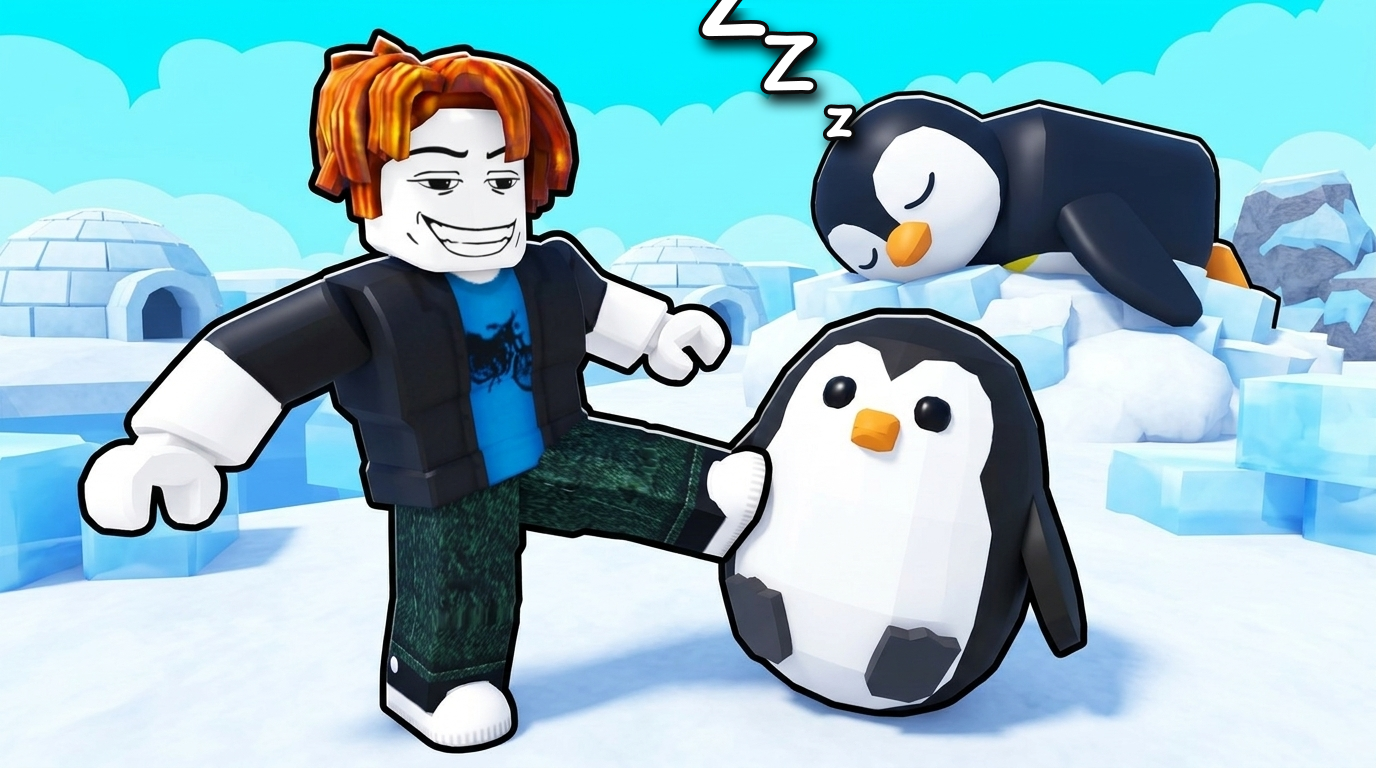
- Want a before and after? Say it, for example "noob vs pro".
- More tips: how to prompt Devmax.
FAQ
How do I make a Roblox thumbnail for free?
Devmax is not free, but the starter pack is 25 credits (8 thumbnails) for $5, once, and Devmax+ is $6.99 a month for 15 thumbnails or icons.
How long does it take to make a Roblox thumbnail with Devmax?
About a minute per thumbnail.
Do I need to write a long prompt?
No. Your game name and one sentence about what players do is enough. Devmax plans the rest.
Make your thumbnail with Devmax